

Your browser.
Ready to do more.
Explore the web, understand what matters, and turn instructions into browser actions with Xasri AI.
Android · Windows · Beta available
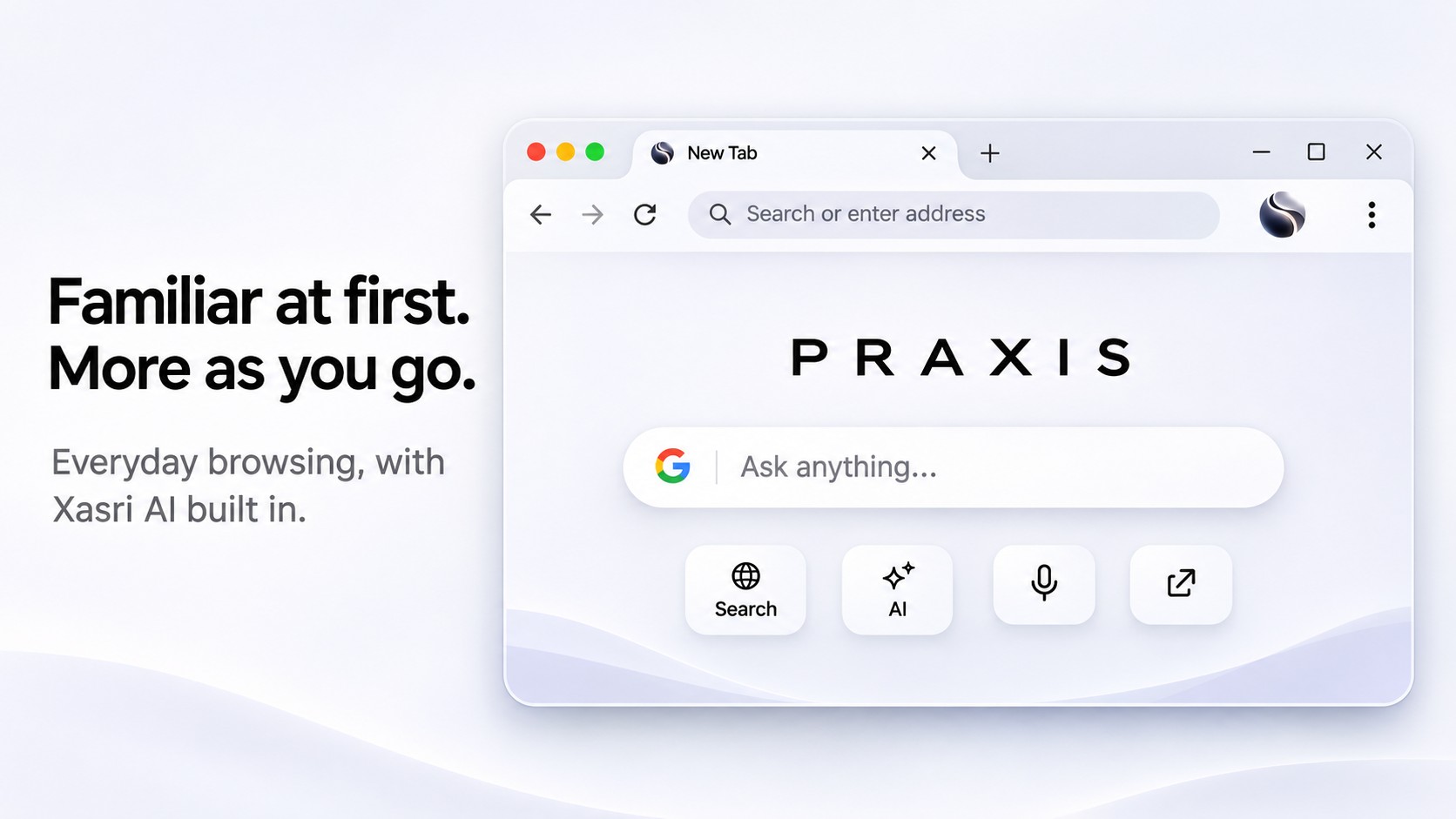

A familiar place.
A new kind of possibility.
The web is where things begin. Praxis brings browsing and an AI assistant together, so your next question can become a next step.
From a question
to a completed task.
Agentic browsing connects what you ask with what the browser can do. Here’s how the idea fits together.
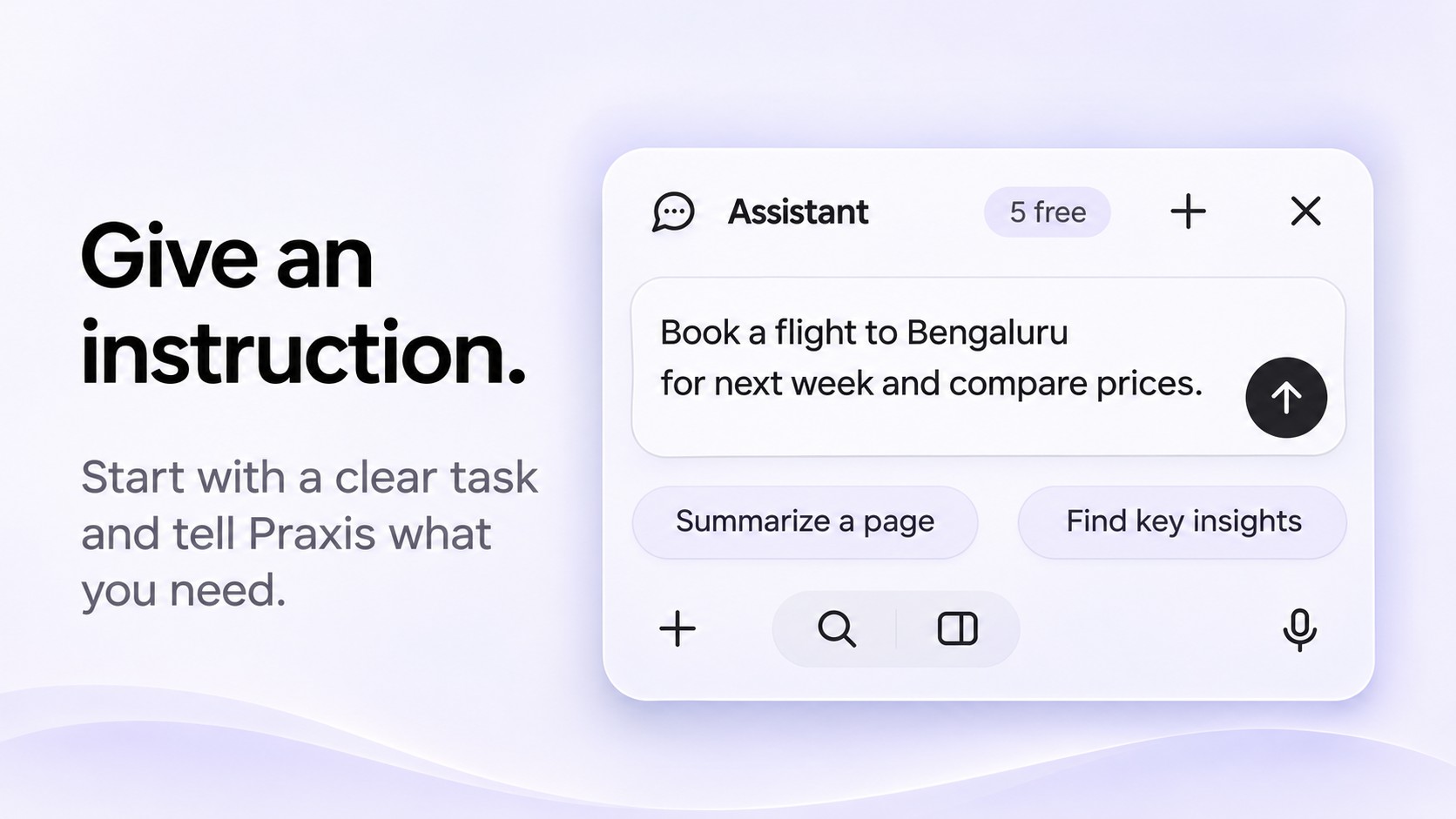
Start with what you need.
An agentic task begins with a clear instruction. The request sets the direction for what comes next.
Concept illustration. Not product footage.
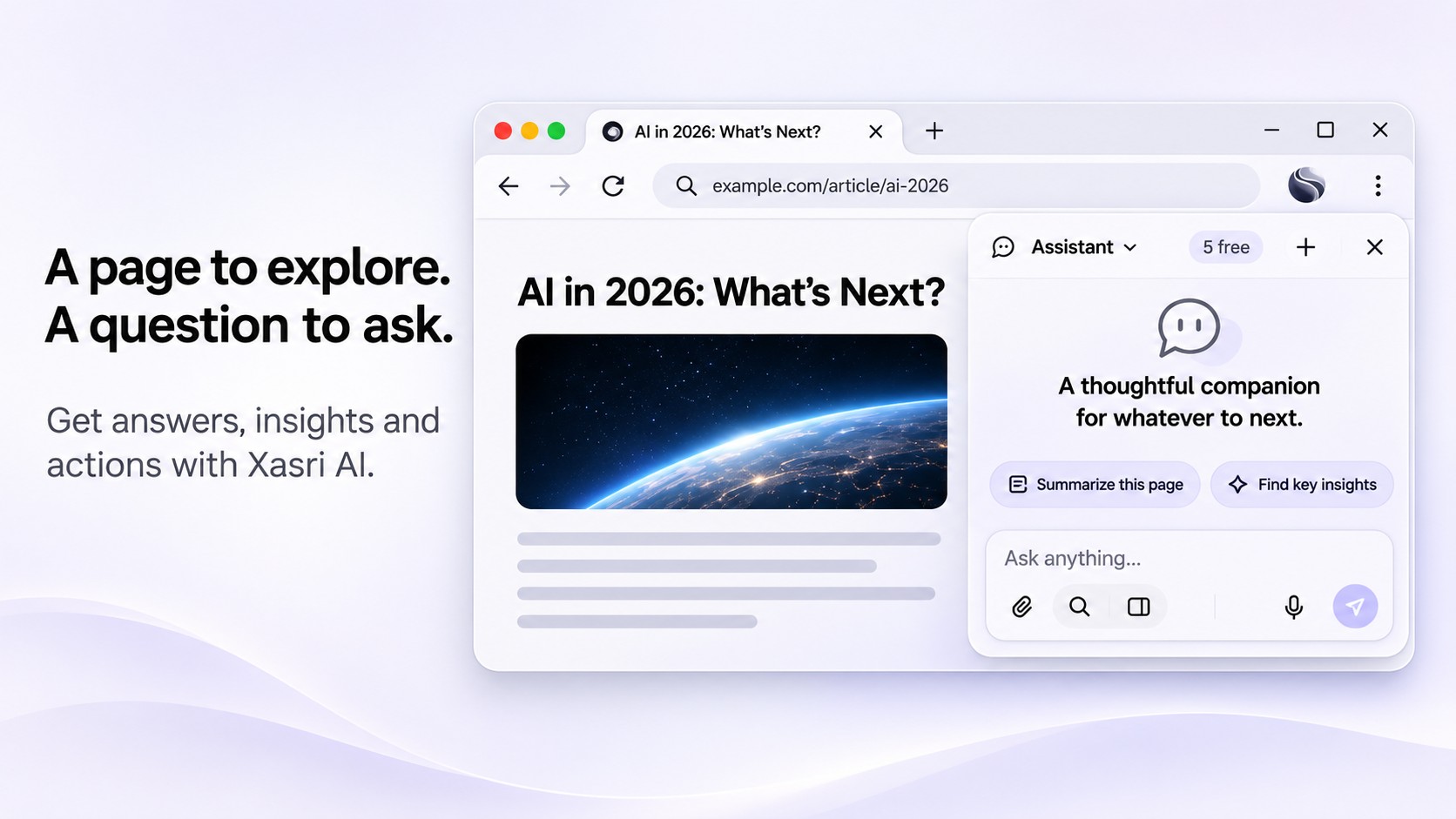
A little help.
Right beside
your browsing.
Praxis is the browser. Xasri AI is the assistant you turn to along the way, for understanding context and moving through supported tasks.
Useful intelligence.
Clear expectations.
A more capable browser should be easy to understand. Get to know the context, supported actions, and limits of the version you use.
Context and privacy questionsKnow the context.
Check which information is included before bringing a page into an AI request.
Understand the action.
Review what a supported task involves and any confirmation it requires.
Check the details.
Check the version, system requirements, and installation notes for your download.
What is Praxis?
Praxis is an AI-powered browser from Xasri. It brings everyday web browsing together with Xasri AI, an assistant designed to understand browsing context and help with supported browser tasks.
What makes a browser agentic?
An agentic browser connects an instruction to actions in the browser, beyond simply returning an answer. The available actions and any required confirmations depend on the browser build and the task.
How are Praxis and Xasri AI different?
Praxis is the browser. Xasri AI is the assistant inside it. Ask Xasri is the action for bringing your question or instruction to the assistant.
Which platforms are available?
Downloads are available for Android (v1.0.9 beta) and Windows (v1.0.6 beta). The download page lists each file, system requirements, and installation instructions. Only the platforms listed there are currently offered on this site.
Make room for a
more capable browser.
Your next question. Your next idea. Your next step.
Android · Windows · Beta releases. See download details for versions and requirements.